VOICE KEYBOARD · IPHONE AND MAC
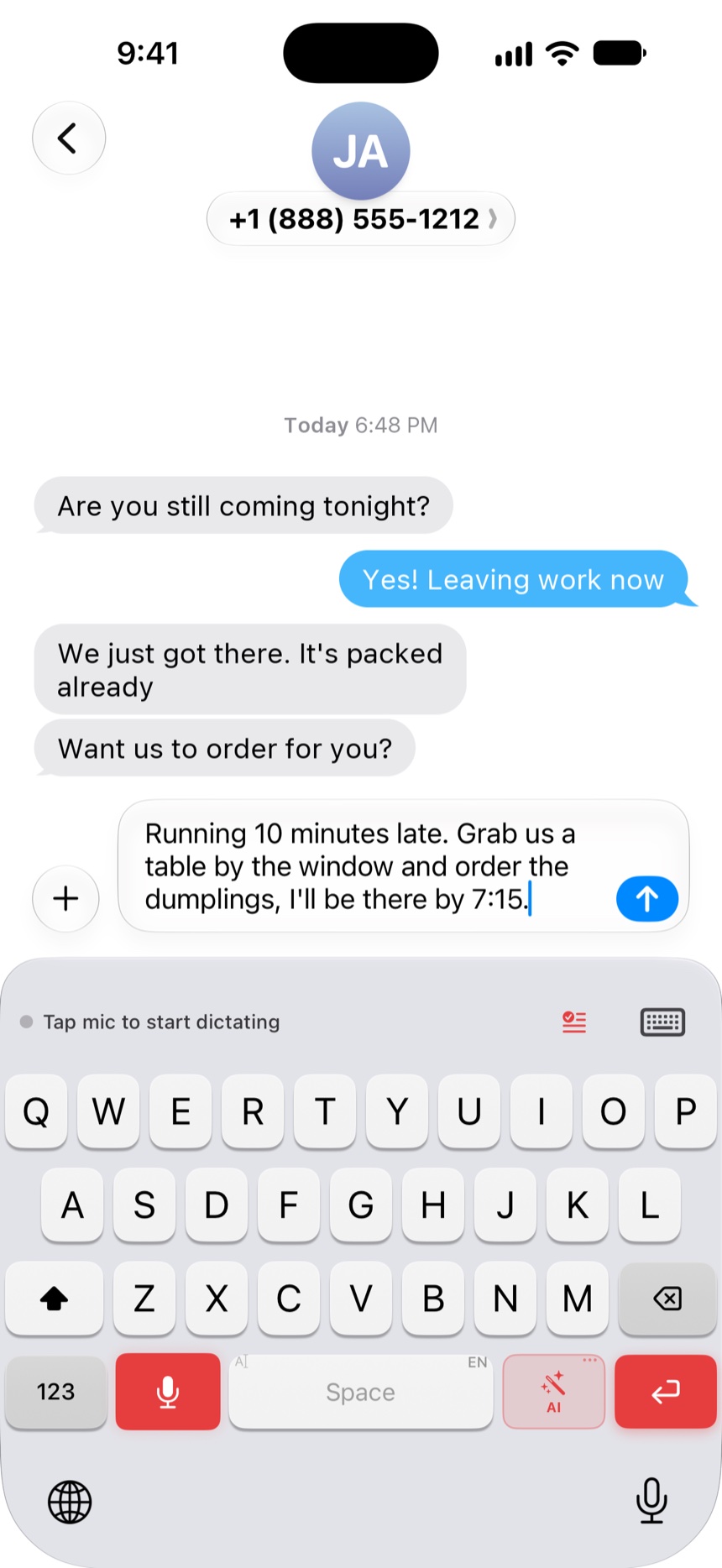
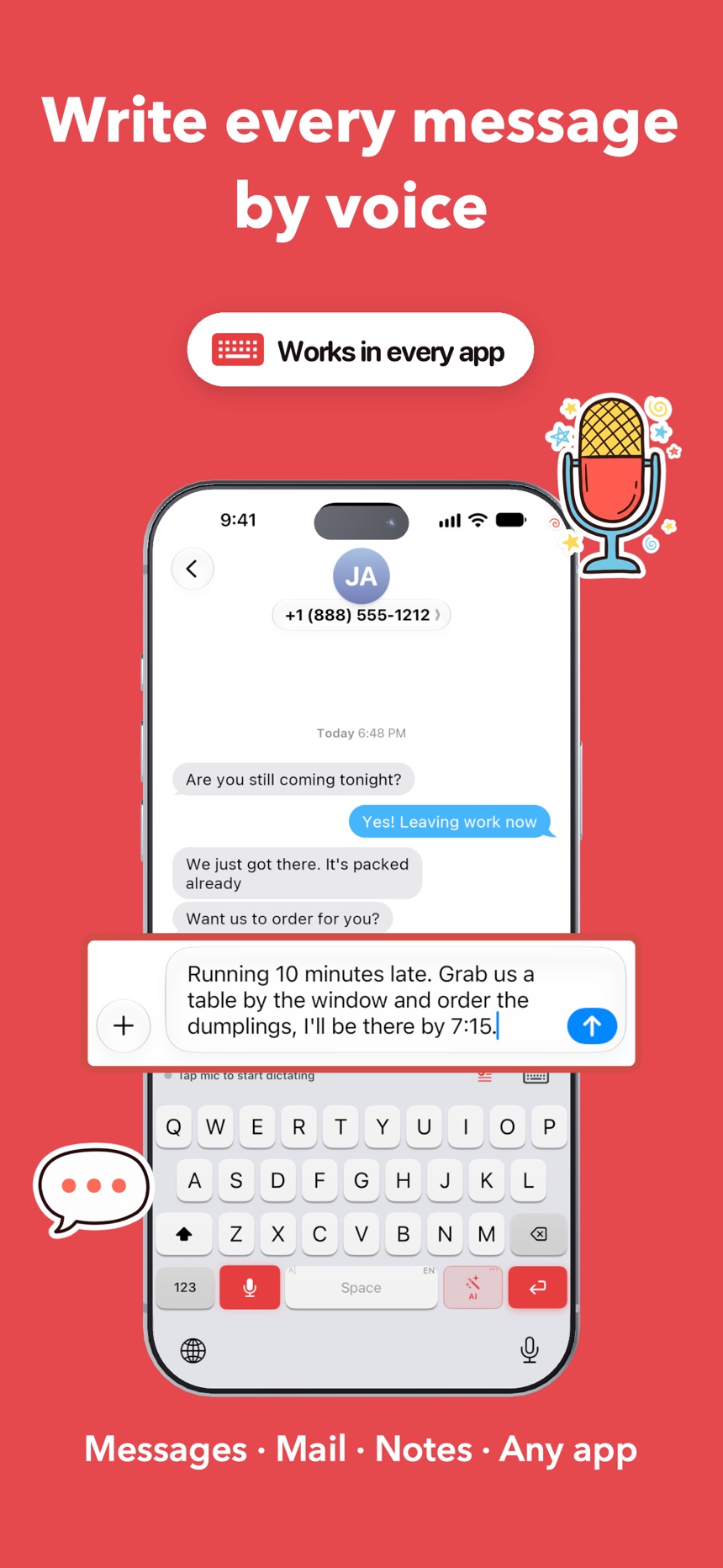
Write every message by voice
DictaWiz turns what you say into clean, punctuated text in Messages, Mail, Notes and any other app. It transcribes on your iPhone and Mac, so your voice never reaches our servers.

- Apps
- Works in every app
- Offline
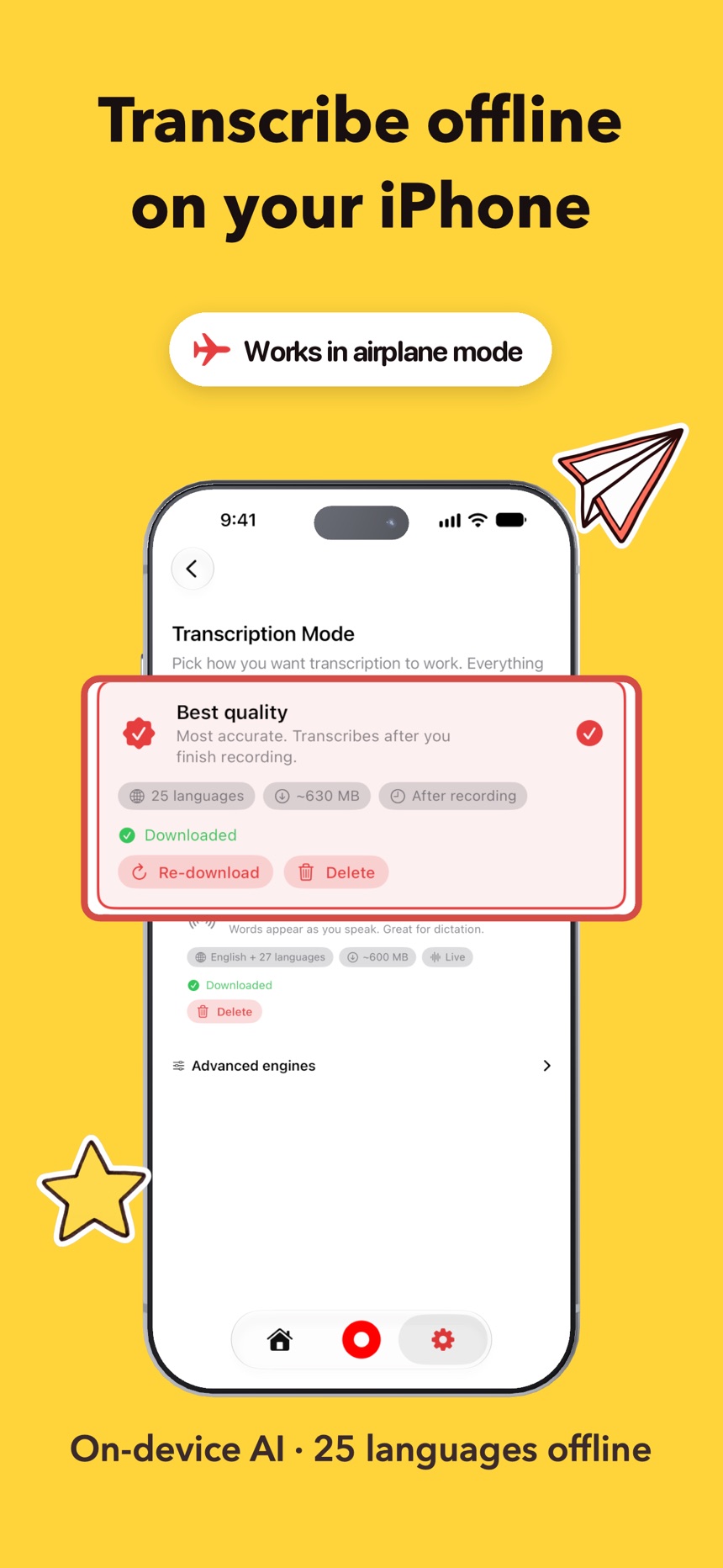
- Dictation works offline
- Languages
- 25 languages offline
- Account
- None needed
iPhone and Mac
The idea from your walk, waiting on your desk
Everything you capture on your iPhone syncs to the DictaWiz Mac app through your own iCloud account. You don't sign up for anything, and nothing passes through a DictaWiz server.
Mac app
Free
Every feature, with no trial and no account. Download it and start dictating.
iPhone app
Free to try
Includes a monthly allowance of premium transcription. A subscription or a one-time lifetime unlock removes the limit.
You talk on your iPhone
Your own iCloud
No DictaWiz account or server
It's on your Mac
On iPhone
- Dictate into any app from the DictaWiz keyboard
- Record meetings and lectures, then read them back
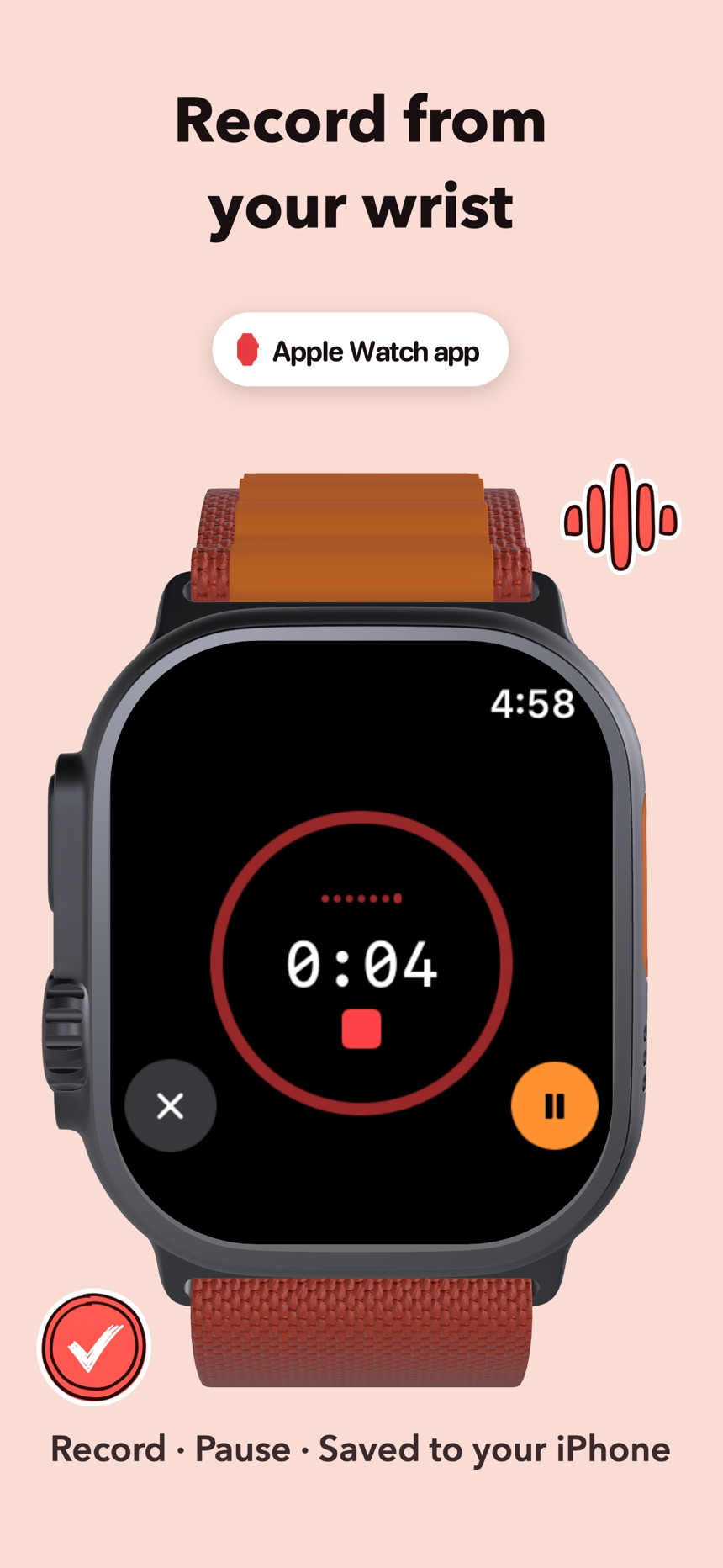
- Start a recording from your Apple Watch
Through your iCloud
- Your custom words and names
- Snippets, skills and settings
- Notes and transcripts, once you turn on iCloud sync
On Mac
- Hold Fn and talk to type in any Mac app
- Finish sentences with AI autocomplete (beta)
- Proofread or rewrite selected text with one shortcut
On your Mac
What DictaWiz does on your Mac
Every feature runs on your Mac, including the AI. Download the speech and AI models once and DictaWiz keeps working offline.
TabBeta
Finish sentences as you type
In any app, an AI model running on your Mac suggests the next words. Press Tab to take them all, or the backtick (`) key to take one word.
Fn
Type in any Mac app by holding one key
Hold Fn or Globe, talk, and let go. The text lands at your cursor with punctuation, capitals and numbers written as digits.
⌃⇧Space
Fix or rewrite selected text
Select text anywhere to proofread it, make it friendlier, more professional or shorter, or get an answer about it.
⌥⇧
Draft emails, events and reminders by voice
Hold the shortcut and say what you need. DictaWiz drafts the email, calendar event, reminder or note.
⇧⌘S
Hear any text in a natural voice
Have selected text read aloud, listen to a PDF, Word file or EPUB section by section, or save the audio as a file.
Zoom · TeamsBeta
Get notes from your video calls
Record Zoom, Teams, Webex, Slack and FaceTime calls with speaker labels, a summary, and answers to your questions about the call.
Notes
Turn voice notes into summaries and flashcards
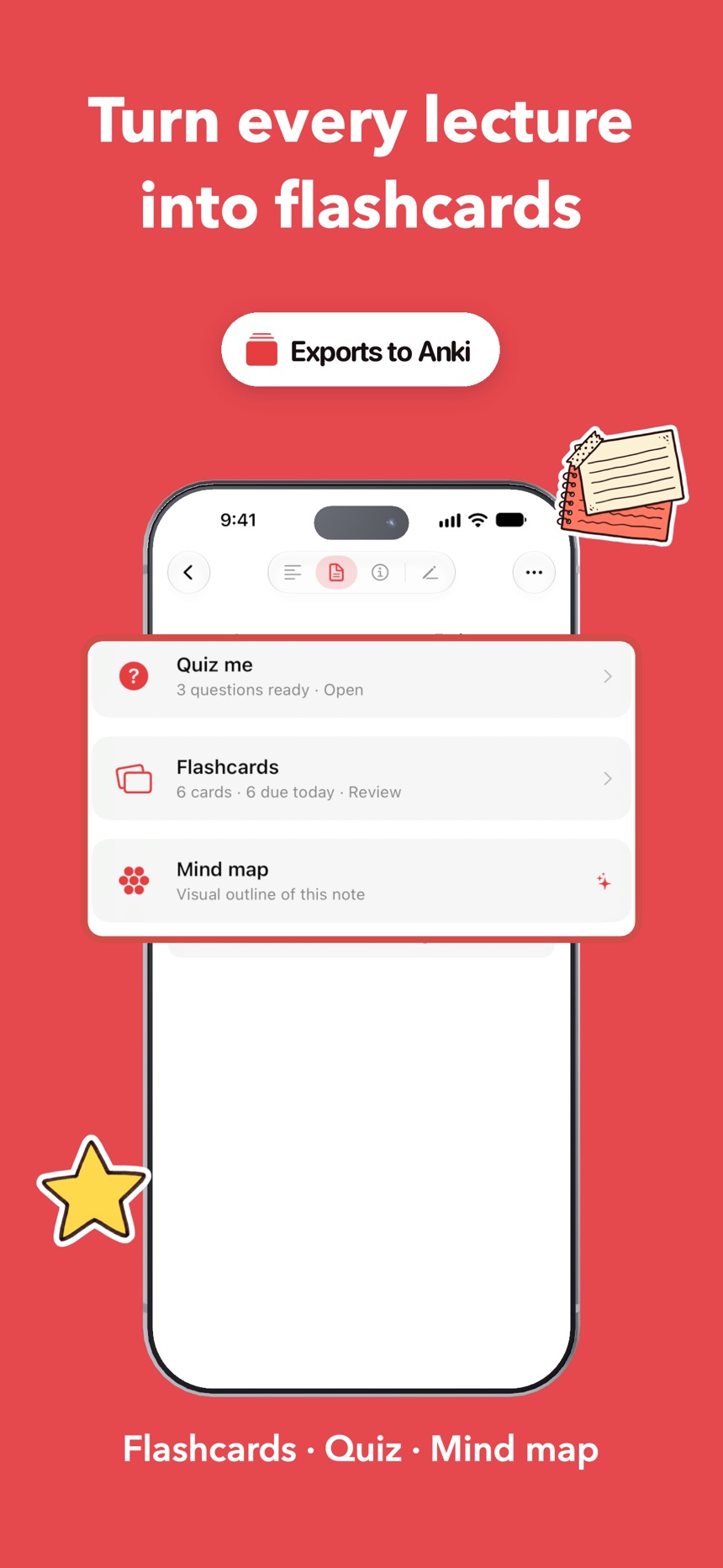
Get key points, decisions and action items from any note, then make a quiz, flashcards or a mind map from it.
Export
Send transcripts where you keep notes
Send any transcript to Obsidian, Notion, Bear, Craft, Drafts, Apple Notes or your own webhook.
macOS 15.6 or later, Apple silicon
Privacy
Your voice stays on your device
Speech recognition and AI edits run on your iPhone and Mac, so dictation keeps working in Airplane Mode. Sync goes through your iCloud account, and DictaWiz never sees it.
- 01 · Your voice
- Transcribed on your iPhone or Mac by Parakeet, Whisper or Apple's speech engine. Audio goes to a cloud service only if you add your own API key for one.
- 02 · AI edits
- Rewrites and summaries run on Apple Intelligence or Gemma, on your device.
- 03 · Sync
- Notes, custom words and settings move between your devices through your own iCloud account. DictaWiz keeps no copy.
- 04 · Accounts
- There isn't one. No sign-up, no email, and the keyboard never logs what you type.
On the App Store
What DictaWiz does on your iPhone
Features
What you can do with DictaWiz
01
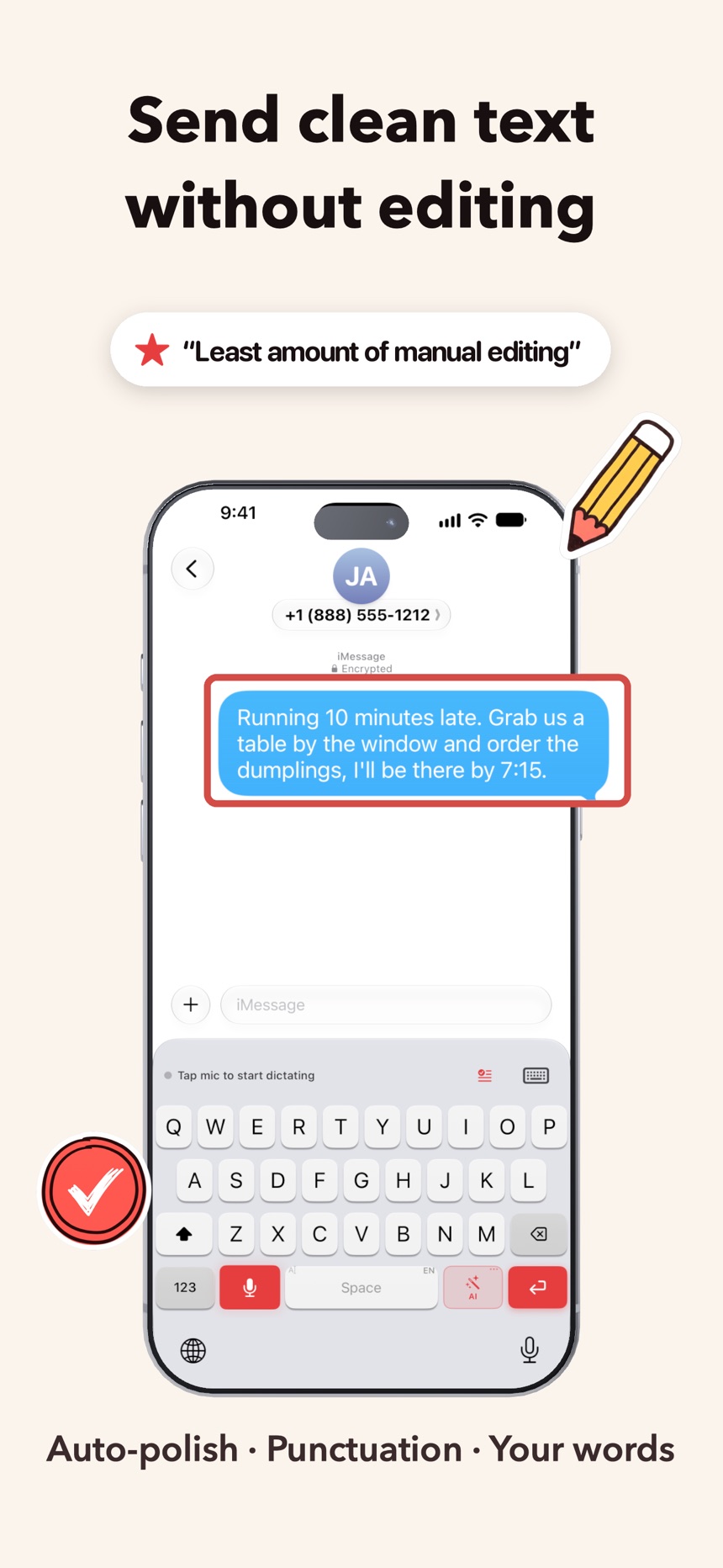
Send clean text without editing
Capitals, commas and paragraphs come out right, and the ums and false starts are gone, so you can hit send when you stop talking.
02
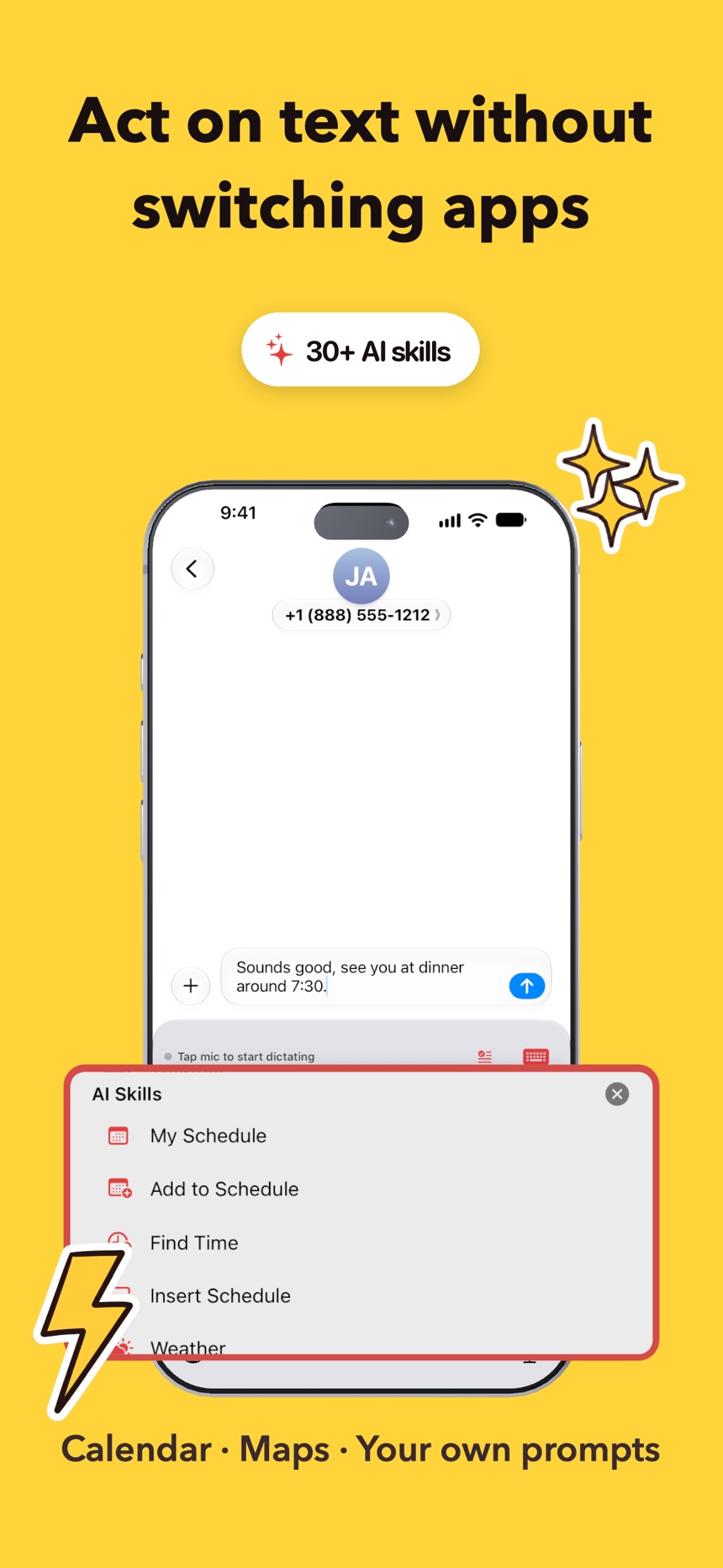
Act on text without switching apps
Turn what you said into a calendar event, a map link or a reply, or shorten and translate it, inside the app you're typing in.
03
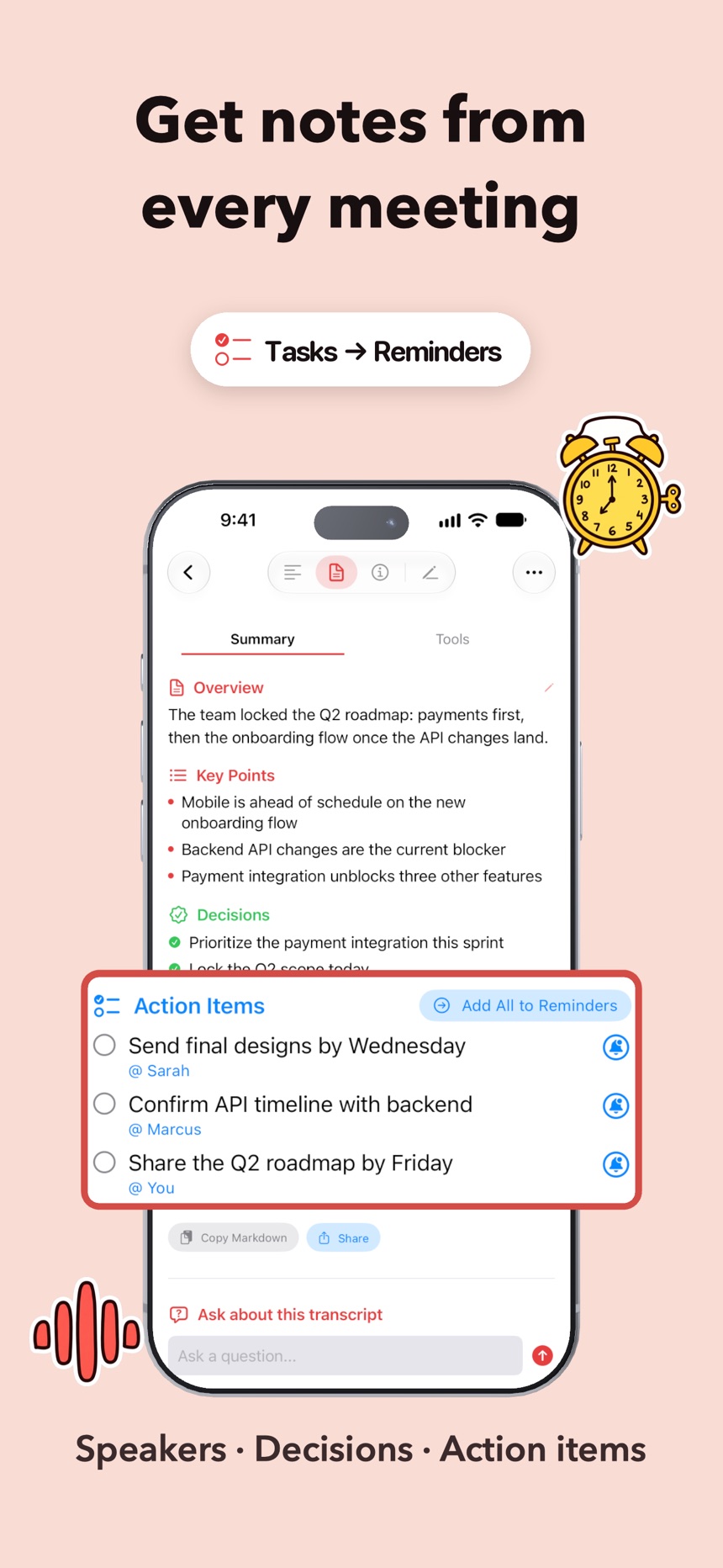
Get notes from every meeting
Record a meeting and get a transcript with speakers, the decisions made and the action items, ready when it ends.
04
Turn every lecture into flashcards
Record a class and study from the flashcards, quiz and mind map DictaWiz makes from it.
05
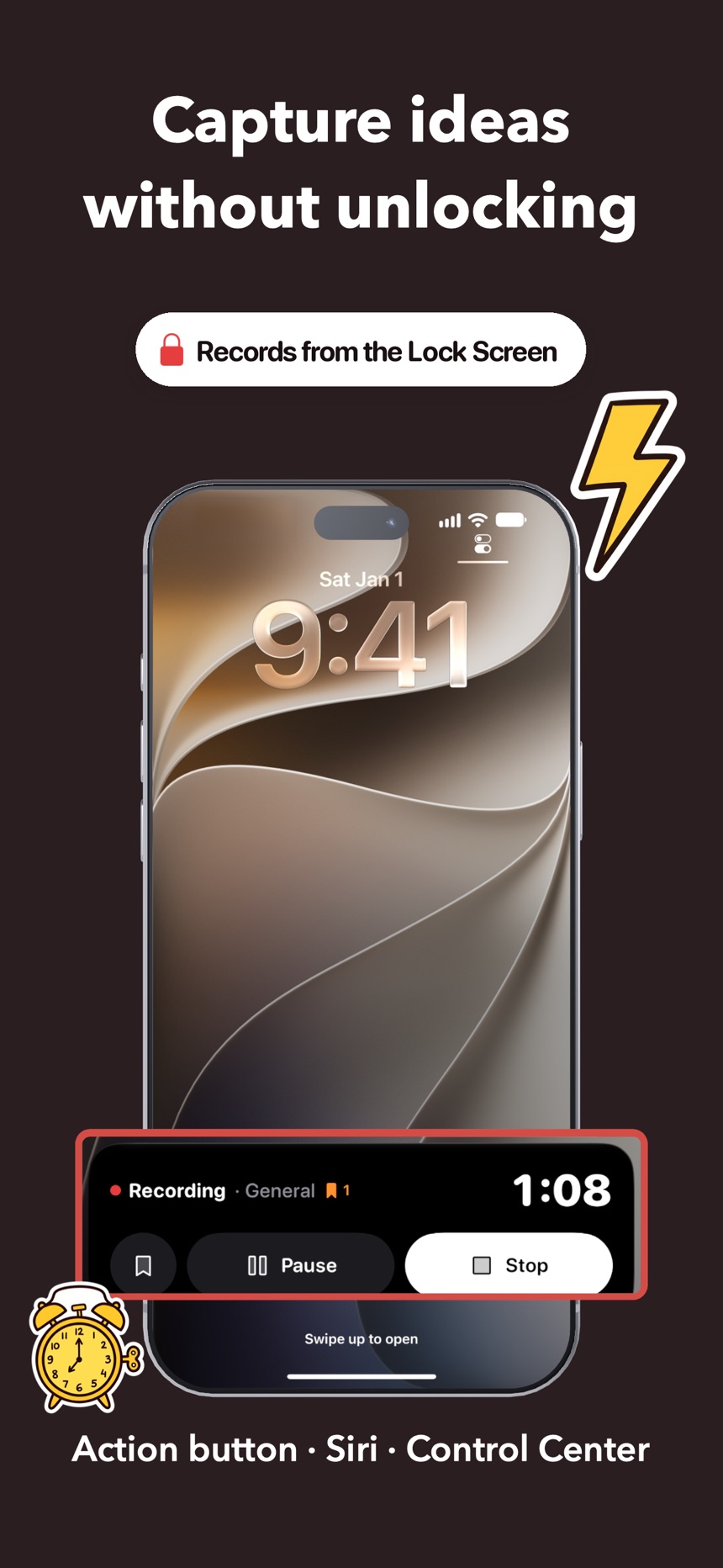
Capture ideas without unlocking
Start recording from the Action button, Siri or Control Center before the thought is gone.
06
Record from your wrist
Record and pause on your Apple Watch. The recording is saved to your iPhone.
07
Get names and jargon right
Teach it your colleagues' names and your field's terms once. Your iPhone and Mac use the same list.
08
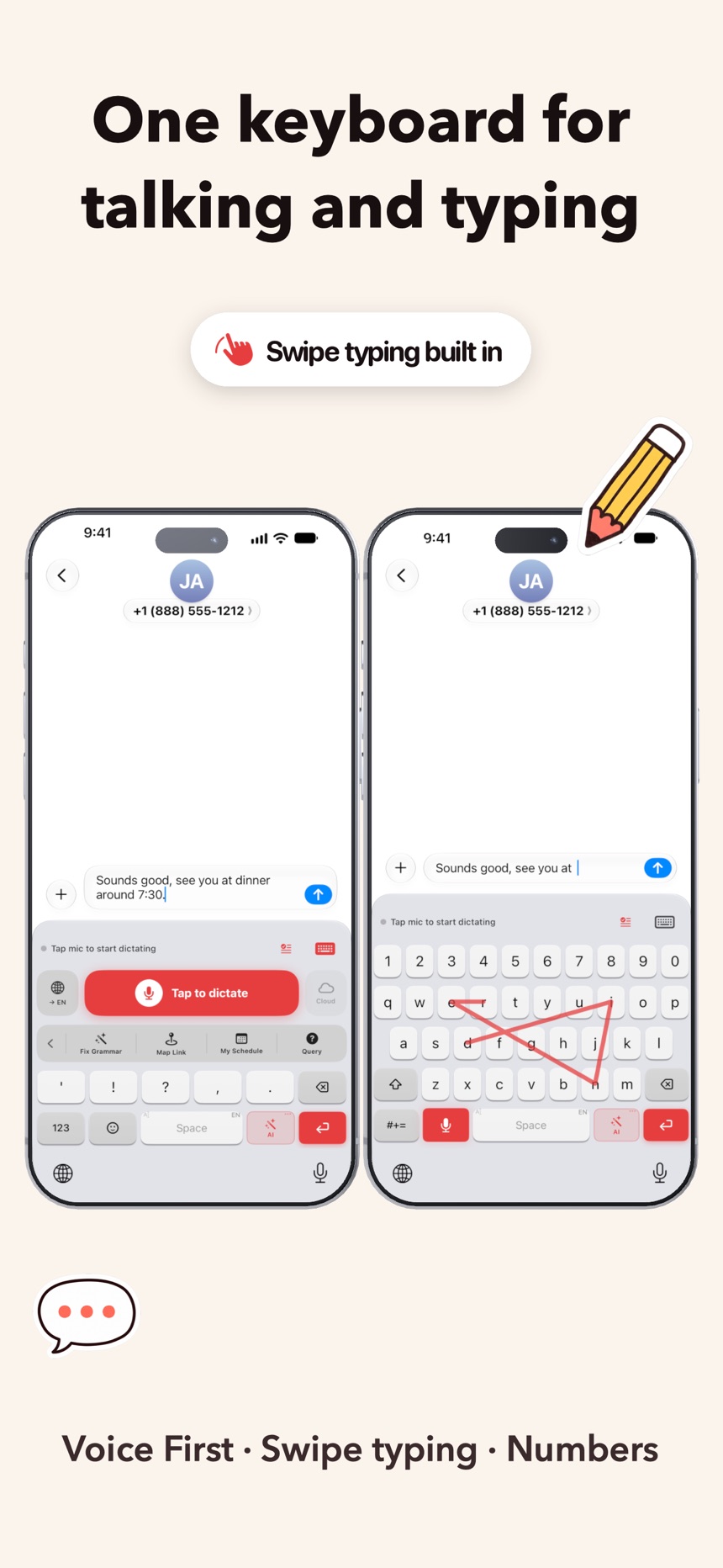
One keyboard for talking and typing
Voice First mode, swipe typing and a number row, so you never switch back to Apple's keyboard.
How it works
How to start dictating on iPhone
01
Turn on the keyboard
Add DictaWiz once in Settings. It sits next to your usual keyboard in every app.
02
Hold the mic and talk
Speak the way you would to a friend. DictaWiz adds punctuation and drops the ums and false starts.
03
Tidy it with a tap
Shorten it, make it friendlier, translate it or turn it into a reply, right in the text field.
From the App Store
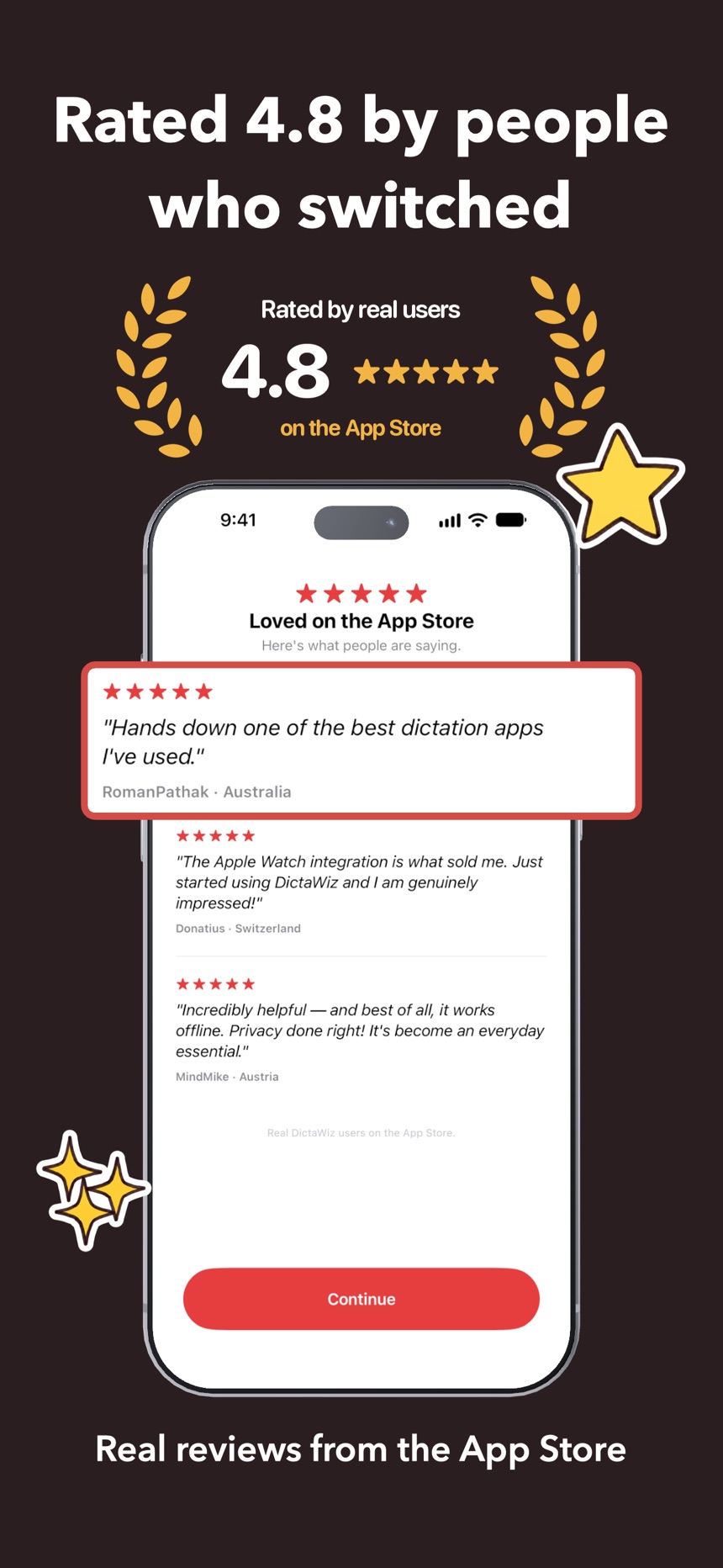
Rated 4.8 by people who switched
This is hands down one of the best dictation apps I've used in a long time. I've tried WhisperFlow, Willow, Voicedash, BleepAI, and many others. There's the new Google's Edge Eloquent as well, but this app outperforms all of them, and you can use the on-device models for transcription, which are quite accurate.
RomanPathak · Australia
I love this app! I used to be a user of Voicenotes and ideaShell, but this app is much better than both of those. I was happy to go for the Lifetime Pro version. This app is full of great features and the developer is very receptive to feedback. Easy 5 stars for me.
Mensachicken · Canada
Incredibly helpful-and best of all, it works offline. Privacy done right! It's become an everyday essential!
MindMike · Austria
The difference from other apps is that all processes are processed by internal AI without the Internet. It's very easy to use and fast.
SYP. · Korea, Republic of
This is an amazing app for anyone who enjoys using dictation often. And at this low cost, it can replace a lot of very expensive alternatives. The fact that it's localized also means that you can use it without internet and it's really quick. This has become my default keyboard.
Ggt559684382vads · Mexico
This app is really accurate, one of the best transcriptions app for iOS, can't wait to see what the developer will do next, and i love the keyboard design
emmgr23 · Portugal
This app is really good. I particularly appreciated the concept of integrating with an Apple Watch. This allows me to transcribe my thoughts on the go, and later, I can easily paste them into any AI chatbot without having to remember and type them manually.
Abhináv · India
I like this App. The transcript playback with word highlighting is nice - way easier to review than I expected. Also the app feels pretty polished already.
ngoctran83 · United States
Using your app now to make this review. It's very accurate, fast, and very well polished. Keep up the good work. Can't wait to see all the updates you do to this app.
indeep405 · United States
I will use it all the time. I really like this program. It has brought me a lot of convenience. I hope it will get better and better in the future!
小哟哟哟切克闹 · United States
Really cool app, works as described very well and helpful
nayaz99 · United Arab Emirates
This app is just awesome. Saves time and accuracy.
Arjun1488 · New Zealand
Wow!! Awesome dictation app. Works fast
TheMark13 · United States
So promising!!!!
★.MΞŦΛŁ|JΘKΞR.★™ · United States
Works great on IPhone 14 Pro, provides a clean app + keyboard with local model to transcrible. Its perfect
Favicoo · Brazil
La app es genial funciona de maravilla ya le estoy dando uso constante y lo mejor es su multiidioma ya que la mayoría de las apps que he probado no lo tienen. Felicitaciones al desarrollador por su grandiosa app.
Lukenshin · Colombia
Une appli très efficace pour la dictée vocale, bien plus que celle par défaut de l'iPhone ! J'apprécierais de pouvoir utiliser le modèle Whisper Turbo (le meilleur selon moi), mais Parakeet fait déjà un super travail.
Ptrl6 · France
Lots of useful features along with good privacy policy.
MateyCool · Australia
El teclado funciona muy bien y además la herramienta que utiliza para la transcripción de voz es bastante potente. El sistema implementado hace todo el trabajo, no hay necesidad de indicar signos de puntuación cómo ocurre con Siri.
Joaquín Mart. · Spain
Bardzo dobrze działa. Aplikacja ładnie zaprojektowana. Polecam
pingwinGTS · Poland
Just started using DictaWiz and I am genuinely impressed! The Apple Watch integration is what sold me. Very promising app, looking forward to seeing it evolve!
Donatius · Switzerland
All 21 App Store reviews shown here are real, quoted as written (typos and all) from around the world, scroll for more →
FAQ
Questions people ask before installing
Yes. Download the Mac app, hold Fn and talk, and the text appears in whatever app you're using. The Mac app also suggests the next words as you type (in beta), proofreads selected text, reads text aloud and takes notes from video calls. The Mac app is free. Your custom words, snippets and settings come over from your iPhone through your iCloud account.
Get DictaWiz
Get DictaWiz for iPhone and Mac
Free to try · No account · iOS 26 and macOS 15.6 or later